Gentoo 2006.0 installer screenshots
Here we go!
Booting
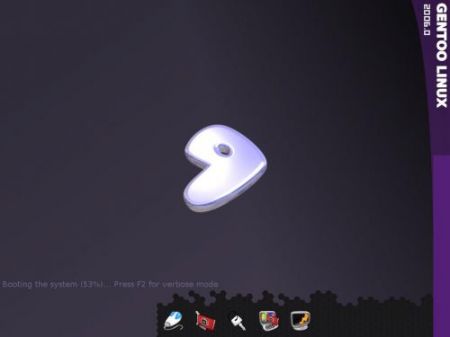
Initial screen
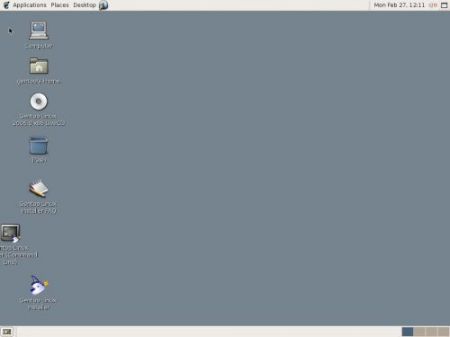
Launching the installer wizard
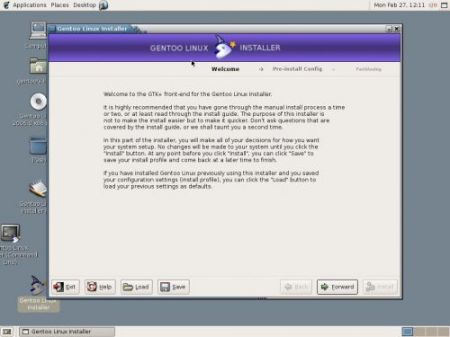
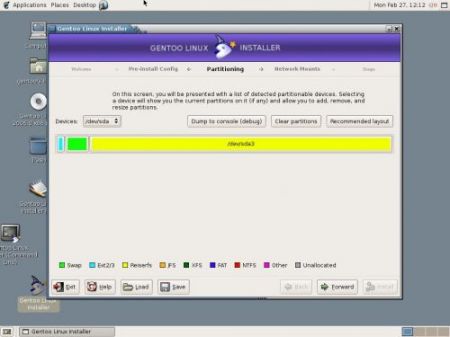
Partition screen
Stage selection screen
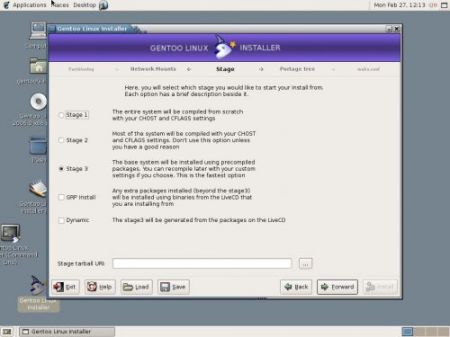
Install log/progress screen
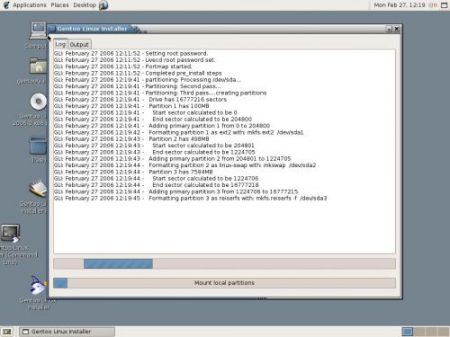
The GUI is a mixed blessing. It certainly is more intuitive, but you still rely on the docs for figuring out what they mean by snapshot, for example, to use the CD~Rs portage snapshot:
Obtaining a Portage tree You must choose Snapshot on this screen. The installer will automatically install a Portage tree from the LiveCD once you select Snapshot; you do not need to specify a snapshot URI.
ItRs not an easy task to create UIs, I donRt mean to be too critical.
This is a good direction for Gentoo and the UI adds a lot to the distro.